ModHeader Alternative for Chrome and Edge
Local Profiles, precise Request Filters, and reviewable share links in a focused, open-source Manifest V3 request-header editor.
Best fit: request-header workflows that need clear URL scope, quick project switching, and consistent team handoff—not response headers, redirects, mocks, or scripts.
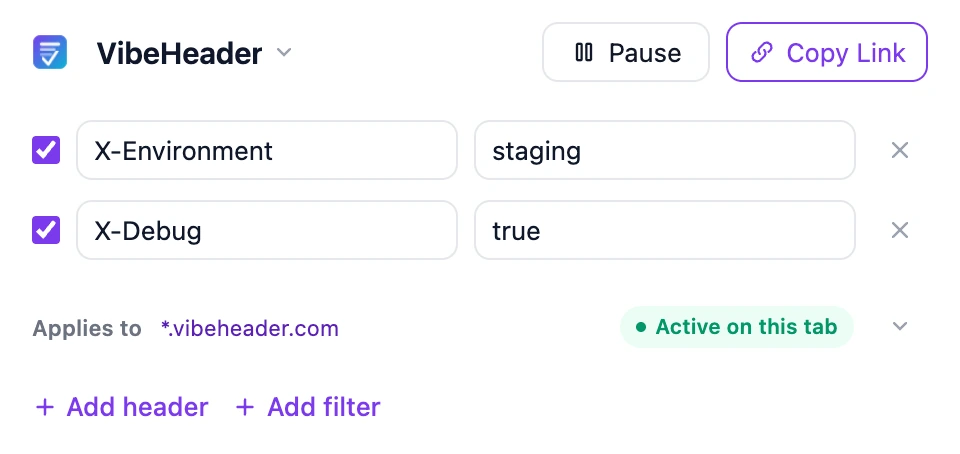
Is VibeHeader the right ModHeader replacement?
| If you need… | Choose | Why |
|---|---|---|
| Request headers with project separation, precise URL scope, and fast sharing | VibeHeader | Local Profiles, Request Filters with a tester, and review-before-import sharing. |
| Redirects, mocks, scripts, or complex rule orchestration | Compare broader tools | A full debugging platform may fit better than a focused header editor. |
| System-wide traffic capture across apps and devices | Desktop proxy | Browser extensions only operate inside the browser. |
Looking for a ranked list rather than a direct replacement? See the separate ModHeader alternatives and competitors comparison.
How to switch from ModHeader
- Remove the old extension. If you used ModHeader
7.0.18, follow the cleanup and self-check guide and rotate secrets that may have been exposed. - Install VibeHeader. Use the official Chrome or Edge store buttons above.
- Recreate the compatible workflow. Create one Profile per project, copy the request headers you still need, and rebuild the URL scope with Request Filters. There is no automatic ModHeader file importer.
- Test and verify. Test an exact target request URL, reload the page, open DevTools → Network, and confirm the value under Request headers.
For a longer checklist, use the step-by-step migration guide.
Share the setup—not the instructions
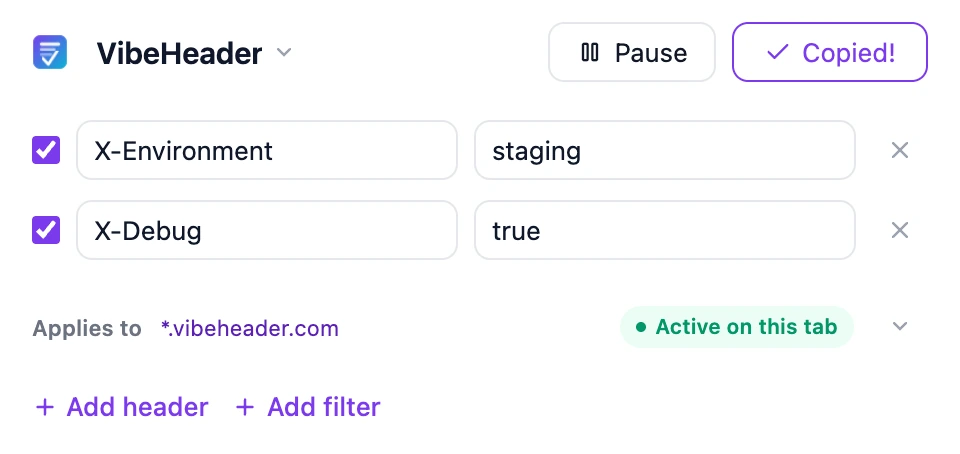
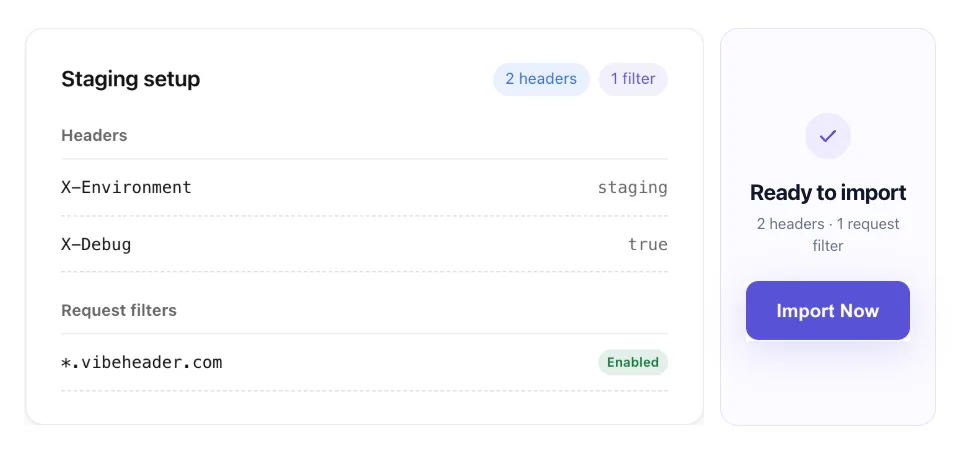
Once you have rebuilt a Profile, copy one link instead of sending screenshots or a list of header values. Your teammate can review the headers and Request Filter, then import the same scoped setup.
Privacy note: the setup stays after # in the URL and is processed in the receiver’s browser—not sent to the VibeHeader server. Treat the original link as sensitive if it contains credentials.
Ready to replace ModHeader?
Install VibeHeader, recreate the request headers you still use, and confirm the result in browser DevTools.
Common Questions About Switching
Is VibeHeader a complete ModHeader replacement?
It is a good replacement for straightforward request-header editing. If your workflow depends on redirects, mocks, scripts, advanced matching, or a large rule library, compare broader tools before switching.
Will my ModHeader export import automatically?
No automatic ModHeader file importer is currently provided. Recreate the request headers you still need, then verify each value in DevTools.
What is the main difference?
VibeHeader focuses on request-header work: local Profiles, precise Request Filters with a URL tester, visible precedence when Profiles overlap, and one-link sharing for review before import—without ads or extension telemetry.
Is a share link safe to post publicly?
No configuration link containing credentials should be public. The fragment avoids server logs and the preview masks common sensitive keys, but anyone who receives the original link may still possess its values.