Modify Headers.
Stay in Control.
Edit and share headers in seconds—with precise control over where they apply.
No account required Trusted by 10,000+ developers
Coming from ModHeader? Migrate in under 5 minutes
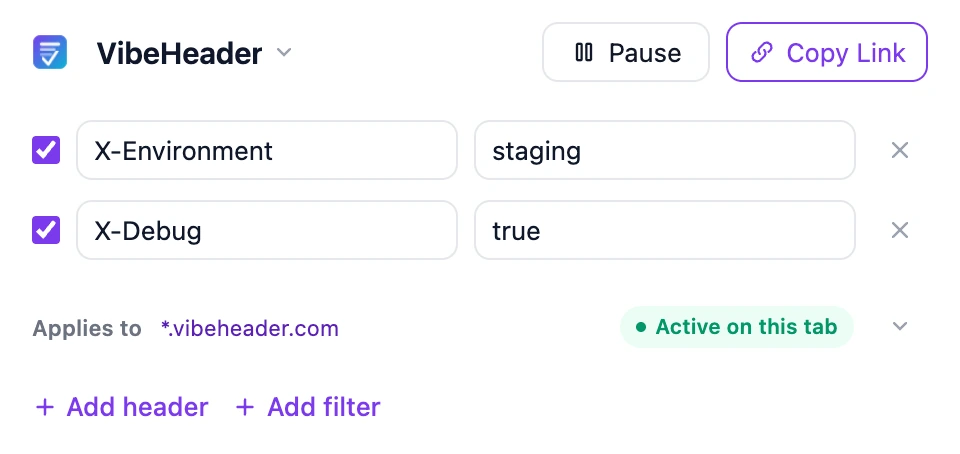
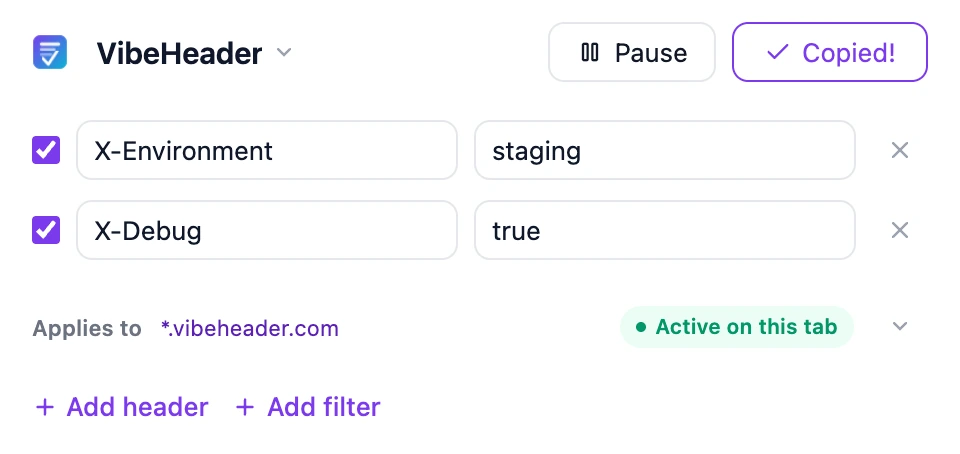
02 · Request Filters
Keep Headers Where They Belong.
Prevent sensitive headers from reaching the wrong site. Set a safe scope, verify it, and browse with confidence.
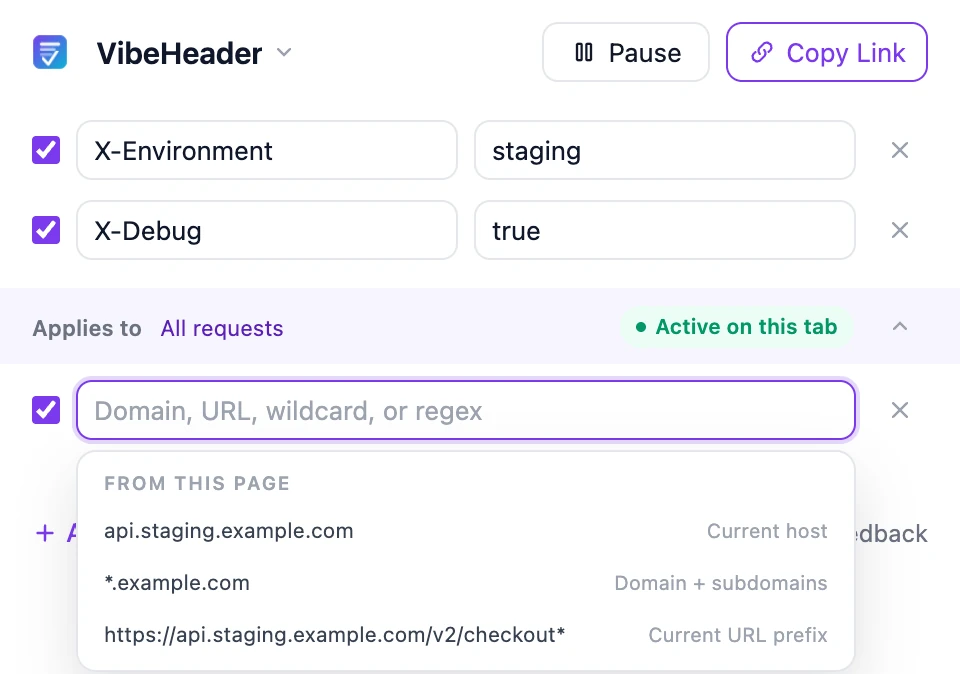
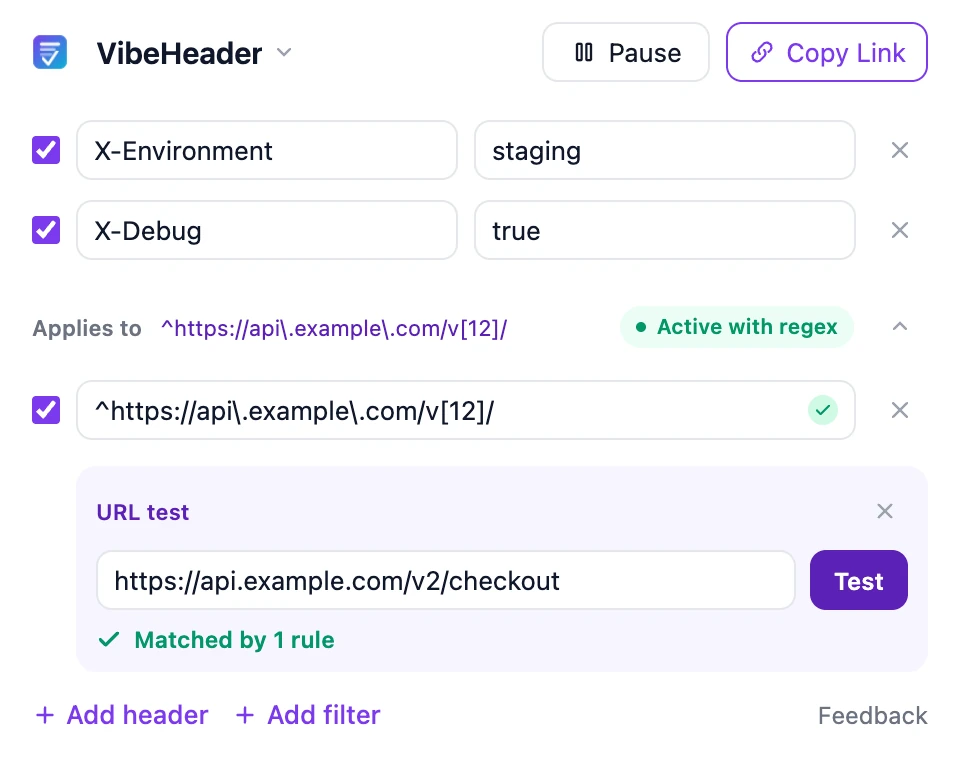
Matched against each supported request’s target URL.
Filters stay with the setup when you share it.
03 · Profiles
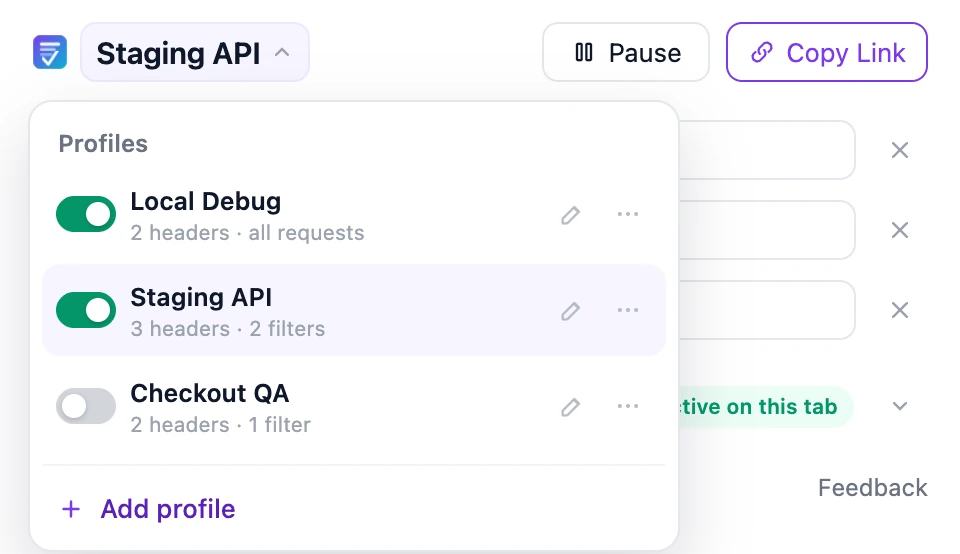
Switch Projects, Not Settings.
Save headers and filters by project, then switch without rebuilding the setup—or run multiple Profiles together.
- Keep local, staging, and QA separate.
- Pause one Profile without stopping the others.
- Duplicate a working setup instead of rebuilding it.
From our users
Why People Switch.
FnngFull-stack EngineerIt quietly replaced ModHeader for me. I copy a share link, drop it in Slack, and the PM has my exact setup — no more ‘can you screenshot your headers?’
SarahProduct ManagerEngineers made me install ModHeader just to sign off on tests, and it kept popping ads at me. VibeHeader does one job, does it quietly, and stays out of my way.
TedFront-end EngineerI used ModHeader for years—then it was flagged as malware. A friend recommended VibeHeader, and I switched seamlessly: headers, filters, and Profiles in a simpler design. Best of all, it’s MIT-licensed and open source.
Switching from ModHeader?
A Clean, Open-Source ModHeader Alternative.
- No accounts
- No ads
- No tracking
FAQ
Common Questions.
What headers can VibeHeader modify today?
VibeHeader 1.1 modifies request headers. Response-header support is not available yet. Need response headers? Share your use case
How do I apply request headers to only one website?
Add a Request Filter to the Profile. You can match an exact host, a full URL, a wildcard, or a regex pattern, then use the built-in URL tester to verify the scope before relying on it.
Do multiple Request Filters use AND or OR matching?
OR. A Profile applies when any enabled Request Filter matches the request’s target URL. If it has no enabled filters, it applies to all supported requests.
Can multiple Profiles run at the same time?
Yes. Every active Profile runs independently on requests that match its own filters. Pausing one Profile does not pause the others.
Which Profile takes priority if two Profiles set the same header?
When two active Profiles match the same request and set the same header name to different values, the later Profile in the Profile list takes priority. VibeHeader marks the earlier value as overridden.
What is included in a share link?
One Profile name, its enabled valid request headers, and its valid request filters. The payload is read from the URL fragment and is not sent to our server. The link itself still contains the config, so share it through a trusted channel.
Where are my Profiles, headers, and filters stored?
They are saved in the extension’s local browser storage. VibeHeader does not require an account or upload your saved Profiles to a VibeHeader server.
Is VibeHeader open source, and do I need an account?
VibeHeader is MIT licensed, with public source on GitHub. There is no paid tier, no ads, and no account required.

Take Control of Your Headers.
Start simple. Add filters and Profiles when you need them.