You Want Less Setup.
- You only need to modify request headers.
- You move between named project or environment Profiles.
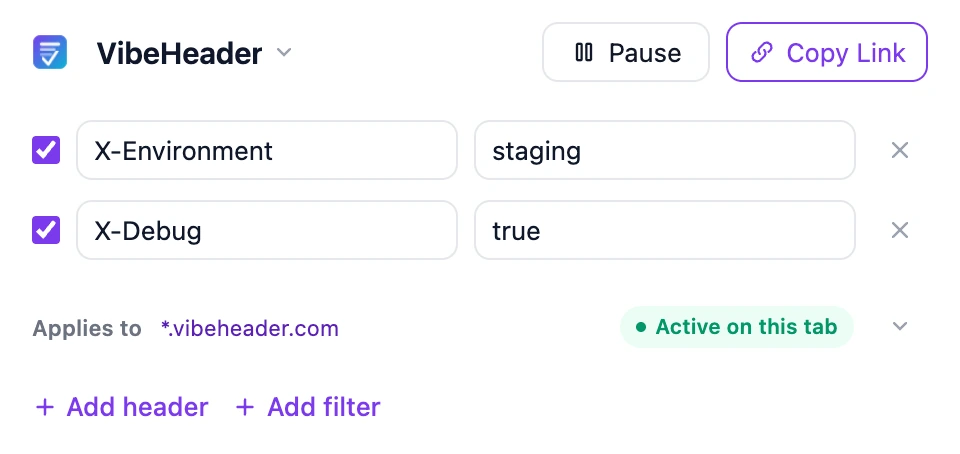
- You want suggested URL scopes and a tester in the popup.
- You share one setup as a reviewable link.
Both are open-source and ad-free. The real choice is between Header Editor’s broader rule engine and VibeHeader’s simpler Profile, Filter, and share workflow.
| Dimension | VibeHeader 1.1 | Header Editor 5.2 |
|---|---|---|
| Request headers | Supported | Supported |
| Response headers | Not yet | Supported |
| Other rule types | None by design | Response body, redirect, cancel, and custom functions in supported builds |
| URL scoping | Domain, URL, wildcard, regex, current-page suggestions, and URL test | All, regex, URL prefix, domain, URL, method, resource type, and exclusions |
| Organizing work | Multiple locally stored Profiles with visible precedence | Rule list with import, export, and optional cloud sync |
| Sharing | One Profile per link; preview before import | Rule import and export |
| Chrome delivery | Manifest V3 store build | Manifest V3 Lite store build; separately installed full build differs |
| License | MIT | GPL v2.0 or later |
| Best fit | Fast request-header workflows across projects | Power users who need broader rule types and conditions |
Information checked July 27, 2026 against Header Editor’s official repository, build comparison, and rule documentation.
Header Editor’s maintainers state that it is free, has no ads, and does not collect data. VibeHeader makes the same product promises and keeps its extension code public under MIT. The meaningful difference here is capability and workflow—not a vague privacy warning.