Add a Custom Request Header in Chrome
Add the value, limit it to the intended request URLs, then verify the outgoing request in DevTools.
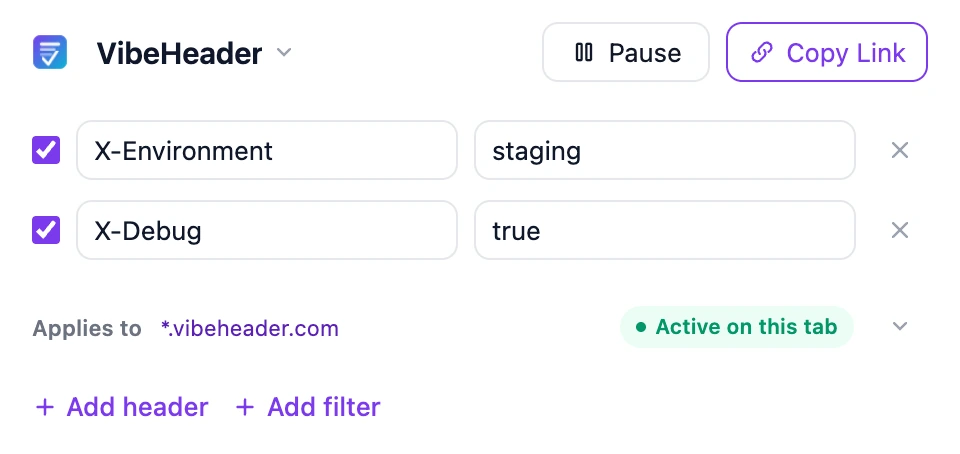
TL;DR: Install VibeHeader, add the header to a Profile, create a Request Filter for the target site, test the exact URL, and reload. Share the complete Profile only through a trusted channel.
- Install the Chrome header editor.
- Create a rule with your header name and value, scoped to your domain.
- Verify in DevTools → Network that the header is added.